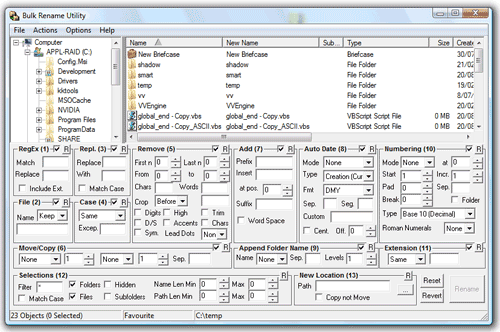
Regardless of the renaming rules complexity, having advanced mass-renaming built-in or external makes absolutely no difference when it comes to the number of required windows and clicks here and there. In every case you still get a window to configure or select the rules, and then you need to confirm the operation. You don't need to check back in x2 if a 3rd party tool successfully renamed each file... in most cases the renaming tool tells you itself if errors occur.Ray wrote:it's far more convenient to rename files using the app that's already open than to run a 3rd party app, focus on that, rename, close the app, go back to X2, ensure that the changes are reflected within X2.
If renaming for you is that important (don't get me wrong, it's important for me too) , you should've known by now that using dedicated renaming tools is the way to go (especially when the most advanced are not even hard to get).Ray wrote:I am perfectly happy to use third party tools that integrate with X2 through context menus. I understand the needlessness of a file manager having everything and the kitchen sink built in. Renaming (for me) is a strong exception.
And, while I was posting this, Kilmatead already beat me to it.