all the different available NAME columns include the file extension in the displayed information.
I think I remember a time when I had a column with just the $B basename; so I could file rename without having to edit around the file extension.
Can anyone explain what settings I have mucked up to loose this ability.
Regards
Mark
PS I seem to have lost the method to upload/attach a demonstration file
Column customisation - NAME column includes file extension
Moderators: fgagnon, nikos, Site Mods
-
mjbrookes
- Bronze Member

- Posts: 124
- Joined: 2007 Sep 19, 11:24
Column customisation - NAME column includes file extension
Last edited by mjbrookes on 2019 Apr 15, 13:18, edited 1 time in total.
-
nikos

- Site Admin

- Posts: 16402
- Joined: 2002 Feb 07, 15:57
- Location: UK
Re: Column customisation without file extension
to lose the extension you use the plain NAME column, but set your system folder options to "hide extensions from known file types"
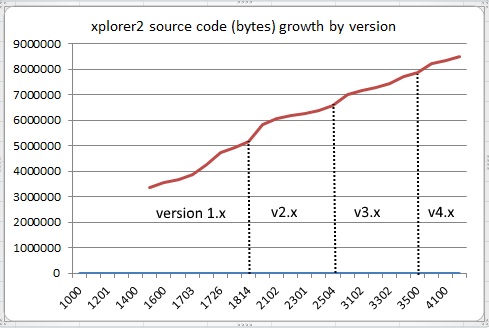
btw image uploading works with the [img] tag:
btw image uploading works with the [img] tag:
-
mjbrookes
- Bronze Member
- Posts: 124
- Joined: 2007 Sep 19, 11:24
Re: Column customisation without file extension
[1] The [img] tags didn't work for me as the screen-print-file resides on my hard drive not the internet
[2] Got it
Menu > Tools > Options > Advanced > Folder Options >>> Hide extensions for known file types
(also for the F2 rename to select just the $B Basename; the 'plain'-Name column needs to be the leftmost one.
Thank you for your help
Thank you for maintaining the forums
regards
MArk
[2] Got it
Menu > Tools > Options > Advanced > Folder Options >>> Hide extensions for known file types
(also for the F2 rename to select just the $B Basename; the 'plain'-Name column needs to be the leftmost one.
Thank you for your help
Thank you for maintaining the forums
regards
MArk